Want to play a handpan melody but do not own an instrument yet? Virtual handpan simulators let you explore notes, rhythms, and basic melodies directly in a browser or through a digital music tool. They are useful for discovering whether you enjoy the instrument, practicing simple note sequences, and experimenting with musical ideas before spending money on a physical handpan.

The important distinction is that a simulator is a learning and experimentation tool, not a full replacement for a real handpan. A touchscreen or keyboard can trigger recorded notes, but it cannot fully reproduce the tactile response, hand technique, resonance, and expressive control of striking a physical steel instrument.
Direct Answer: Which Virtual Handpan Simulators Should You Try?
Virtual Handpan Simulators are best for beginners who want to experiment with handpan sounds for free before buying an instrument. Start with a browser-based handpan simulator if you want immediate access without installing software. Try a MIDI-based virtual instrument if you need more control over recording, arranging, or music production. Use a handpan learning app when structured exercises and note guidance matter more than free improvisation.
Our recommendation is to test a simple online simulator first, then move to a MIDI or learning tool if you want to develop more serious playing skills. If your goal is to learn real handpan technique, a simulator should be a stepping stone rather than your final instrument.
Below, we compare four practical categories of virtual handpan tools, explain what each can and cannot do, and show you how to choose the right option for your experience level.
Table of Contents
- What Is a Virtual Handpan Simulator?
- How Virtual Handpan Simulators Work
- 4 Best Ways to Play a Virtual Handpan Online
- Comparison Table
- Benefits of Virtual Handpan Simulators
- Limitations and Common Misconceptions
- Who Should Use a Virtual Handpan?
- Common Mistakes
- When to Buy a Physical Handpan
- A Beginner-Friendly Physical Handpan Option
- Expert Recommendation
- Frequently Asked Questions
1. What Is a Virtual Handpan Simulator?
A virtual handpan simulator is a digital tool that recreates the layout or sound of a handpan. It allows you to trigger musical notes using a computer keyboard, mouse, touchscreen, MIDI controller, or another supported input device.
Most handpan simulators use sampled audio or synthesized tones. When you select or press a note, the software plays a sound intended to resemble a handpan's characteristic metallic, resonant tone. Some tools display a visual handpan layout, helping you understand where notes sit around the central Ding note.
For beginners, this can remove an important barrier: you can experiment with a scale without first learning how to strike a physical instrument. You can test simple melodies, understand note relationships, and discover whether a particular scale suits your musical preferences.
Virtual handpan vs. real handpan
A virtual instrument reproduces sound through a device and speaker or headphones. A physical handpan produces sound through a steel shell with carefully shaped tone fields and resonant behavior. The physical instrument responds to touch, strike position, hand angle, and playing dynamics.
That difference matters. A simulator can help you learn note order and musical ideas, but it cannot teach the complete physical technique needed to produce clean, controlled notes on a handpan.
2. How Do Virtual Handpan Simulators Work?
Most virtual handpan simulators follow a straightforward process. The tool displays a set of notes, maps them to input controls, and plays an audio sample or generated tone when you activate a note.
Browser-based simulators
A browser simulator runs directly on a website. Depending on the tool, you may click visual note areas, tap a touchscreen, or press assigned keyboard keys. This is usually the fastest way to try a virtual handpan because you do not need to install a full music production application.
MIDI-based virtual instruments
MIDI tools translate input events into musical instructions. A MIDI keyboard, pad controller, or computer input can trigger handpan samples loaded into compatible music software. This approach is more flexible for recording and arranging, but setup is more involved.
Handpan learning applications
Learning apps focus on guided practice rather than simply reproducing notes. They may provide visual note layouts, rhythm exercises, tutorials, or practice sequences. These tools can help beginners understand how a scale is organized, although the quality of the learning experience depends on the app's teaching design.
Sample-based digital handpan instruments
Some virtual instruments use recordings of real handpans. The advantage is a more authentic starting sound than a generic metallic synthesizer. However, the result still depends on sample quality, velocity layers, note transitions, effects, and the playback system.
3. 4 Best Ways to Play a Virtual Handpan Online
There is no single online handpan tool that is best for every player. Some tools prioritize instant access, while others focus on realistic sound or structured learning. The four options below are the approaches we recommend comparing before choosing a digital setup.
1. Browser-Based Virtual Handpan Simulators
Best for: beginners who want to play immediately without installing software.
A browser-based handpan simulator is the first option we recommend testing. It typically presents a virtual instrument on the screen, allowing you to click or tap individual notes. Some browser tools also map notes to keyboard keys, making it possible to play simple patterns without a touchscreen.
The biggest advantage is convenience. You can experiment during a short break, try different note sequences, or introduce a child or friend to the handpan sound without purchasing equipment.
However, browser simulators vary widely in sound quality and functionality. Some offer only a handful of notes, while others may have latency, limited scale options, or no recording function. A visually attractive instrument is not necessarily a good musical tool.
What to look for:
- A clearly labeled note layout.
- Responsive playback without distracting delay.
- Audio that sounds reasonably close to a handpan.
- Mobile and desktop compatibility.
- Different scales or note arrangements, if available.
- No unnecessary account registration for basic play.
Our verdict: This is the best starting point for casual experimentation. Do not pay for a complicated digital setup until you know what you want to practice.
2. MIDI Handpan Instruments and Virtual Sample Libraries
Best for: musicians, composers, and users who want to record or arrange handpan-style music.
MIDI-based handpan instruments work with compatible music production software. You can trigger notes from a MIDI keyboard, pad controller, or computer input, then record the performance as part of a larger arrangement.
The strongest advantage is creative control. You can edit timing, change note velocities, layer percussion, adjust effects, and combine handpan samples with piano, strings, ambient textures, or electronic sounds.
For commercial music production, this flexibility can be more valuable than a simple online simulator. A producer creating meditation tracks or cinematic soundscapes may need repeatable recording and editing features rather than a visual instrument that only plays notes.
There are trade-offs. You may need to install a digital audio workstation, load a compatible sample library, configure MIDI input, and adjust audio latency. The most realistic libraries can also cost money.
What to look for:
- High-quality handpan samples with natural sustain.
- Multiple velocity layers or expressive dynamics.
- Correct note mapping and scale information.
- Compatibility with your music software.
- Low-latency playback and reliable MIDI support.
- Clear licensing terms for commercial recordings.
Our verdict: Choose a MIDI handpan instrument if you intend to produce music, record tracks, or integrate handpan sounds into a larger project. It is unnecessary complexity if you only want to try a few notes.
3. Handpan Learning Apps and Interactive Practice Tools
Best for: beginners who want structure rather than unrestricted experimentation.
Learning applications can be more useful than a basic simulator when your goal is to understand musical patterns. Instead of simply displaying notes, a learning tool may guide you through exercises, rhythmic sequences, scale layouts, and practice routines.
For a beginner, structure matters. It is easy to tap random notes and enjoy the sound, but that does not necessarily build a repeatable musical skill. A guided practice tool can help you recognize patterns and develop a more deliberate approach.
Before choosing an app, check whether it teaches general musical concepts or is specifically designed for handpan playing. Some music apps offer useful rhythm and ear-training exercises but do not reproduce the handpan's physical playing technique.
What to look for:
- Beginner-friendly lessons and clear instructions.
- Accurate note names and scale layouts.
- Exercises that progress beyond random note tapping.
- Playback demonstrations at manageable tempos.
- Support for the scale or tuning system you want to learn.
- A practical balance between free lessons and paid features.
For additional learning resources, see our guide to handpan learning apps and online tools.
Our verdict: This is a strong option for beginners who need guidance. Choose an app with clear teaching content, not simply one with attractive graphics or a large number of sound effects.
4. Digital Handpan and Touchscreen Instruments
Best for: performers and musicians who want a more tactile digital playing experience.
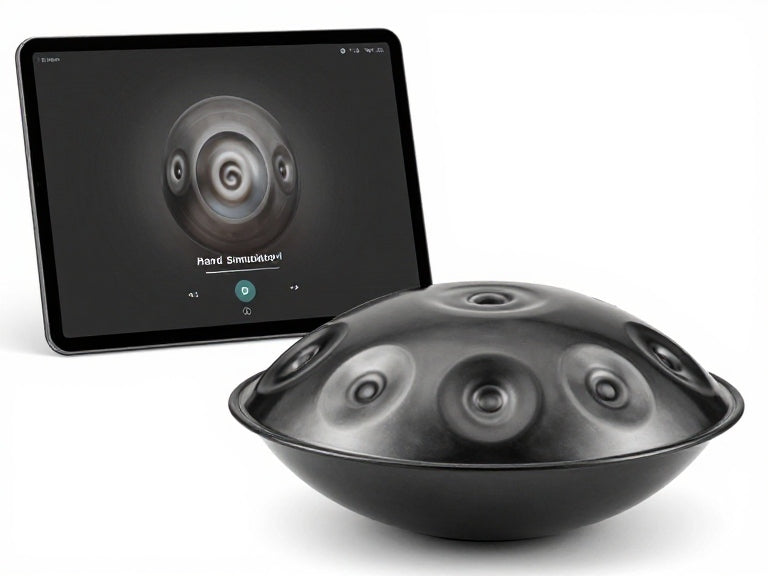
Digital handpan instruments and touchscreen interfaces attempt to make digital playing feel more like interacting with a physical instrument. Depending on the product, they may use touch-sensitive surfaces, dedicated pads, MIDI controls, or sample-based sound engines.
This category can offer a more expressive workflow than clicking a note on a laptop screen. A suitable controller may allow more deliberate note triggering and integration with external audio equipment.
However, do not confuse a touchscreen interface with a real handpan. A digital controller may provide tactile feedback, but its response, resonance, and acoustic projection are different from a steel instrument.
Before investing, check whether the instrument supports the scales you need, whether its sound engine uses convincing samples, and whether it works with your existing equipment.
For a closer look at this category, read our guide to digital handpan instruments.
Our verdict: Digital handpan hardware is worth considering for users who perform, record, or practice frequently. For occasional online play, a browser simulator is more cost-effective.
4. Virtual Handpan Simulator Comparison Table
The following table compares the four main ways to play a virtual handpan. These are tool categories rather than a claim that every product in each category has identical features. Always check the current functions, pricing, and compatibility of the specific tool before installing or purchasing it.
| Option | Best use case | Setup difficulty | Typical cost model | Main advantage | Main drawback |
|---|---|---|---|---|---|
| Browser-based simulator | Casual play and first-time exploration | Very low | Often free | Immediate access | Limited realism and features |
| MIDI sample instrument | Recording and music production | Medium to high | Free and paid libraries | Editing and arrangement flexibility | Requires compatible software and setup |
| Handpan learning app | Guided beginner practice | Low | Free, freemium, or subscription | Structured lessons and exercises | May not teach physical hand technique |
| Digital handpan controller | Expressive digital playing and performance | Medium | Usually hardware or software purchase | More tactile input options | Higher cost and still not an acoustic handpan |
Quick summary: Which virtual handpan should you choose?
| Your goal | Recommended option | Why |
|---|---|---|
| Try handpan sounds for free | Browser-based simulator | No complicated installation or equipment required. |
| Learn basic note patterns | Handpan learning app | Guided practice is more useful than random tapping. |
| Create meditation or ambient tracks | MIDI sample instrument | Recording, editing, layering, and effects provide more control. |
| Perform with digital equipment | Digital handpan controller | Dedicated input hardware can support a more deliberate performance workflow. |
| Learn real handpan technique | Physical handpan plus guided practice | Only a physical instrument provides the actual touch and acoustic response. |
Pros and cons of virtual handpan simulators
| Pros | Cons |
|---|---|
| Many browser tools can be tried without paying. | Free tools may have limited note ranges and sound quality. |
| Useful for exploring scales and simple melodies. | They do not fully teach physical striking technique. |
| Convenient on computers, tablets, and supported phones. | Small screens and keyboard mapping can make expressive playing difficult. |
| MIDI instruments can support recording and music production. | Professional sample libraries and software may add cost. |
| Good for testing musical interest before buying an instrument. | Digital sound does not fully reproduce an acoustic handpan's resonance. |
| Useful for composing and experimenting with arrangements. | Latency, poor samples, or inaccurate note mapping can frustrate practice. |
5. Benefits of Virtual Handpan Simulators
Try the instrument before spending money
A physical handpan is a specialist instrument, and choosing one involves more than selecting an attractive finish. You need to consider scale, tuning, tone quality, playing style, and budget. A virtual handpan simulator lets you explore the general sound and note layout before making that commitment.
For beginners, this is a sensible first step. It helps answer a basic question: do you enjoy experimenting with the handpan's musical character enough to continue learning?
Explore scales and note relationships
Handpans are commonly organized around a central Ding and surrounding tone fields. Different scales create different musical possibilities and moods. A simulator can help you explore how notes relate to each other without needing to understand advanced music theory first.
However, a digital layout must accurately represent the instrument's scale. If the note labels are unclear or the sample mapping is incorrect, the tool can create confusion rather than improve learning.
Practice when a physical instrument is unavailable
A virtual tool is convenient when traveling, working away from home, or planning a musical idea without carrying an instrument. You can sketch a melody or test a rhythmic sequence on a laptop and return to the physical handpan later.
Support music production and sound design
For composers and sound designers, MIDI-based handpan samples can be integrated into a digital audio workstation. You can layer them with ambient textures, percussion, strings, and other instruments. This makes virtual handpan tools useful beyond beginner practice.
Reduce the initial learning barrier
Some people find a physical instrument intimidating at first because they are unsure where to strike or how to produce a clean note. A visual simulator can make note exploration less intimidating. It is a useful introduction, provided the learner understands that physical technique still needs to be developed separately.
6. Limitations: What Virtual Handpan Simulators Cannot Replace
Virtual handpan simulators are useful, but their limitations are significant if your goal is to become a capable physical handpan player.
They cannot reproduce real touch and strike control
A handpan responds to where and how you strike a tone field. Finger position, hand angle, contact duration, and playing dynamics all influence the result. A mouse click or keyboard press does not reproduce that physical feedback.
Sound samples may not capture natural resonance
A good sample library can sound convincing through headphones, but it still depends on recorded audio and playback technology. The acoustic interaction between the steel shell, tone fields, and surrounding environment is not identical to a digital reproduction.
Latency can interrupt rhythm
Some browser tools and digital setups introduce a delay between input and sound. Even a small delay can make rhythmic practice feel unnatural. If you intend to use a simulator seriously, test it with headphones and check whether the response feels immediate enough.
Some tools use simplified or inaccurate layouts
A visual handpan interface may look realistic while using a generic scale or arbitrary note mapping. Always check the displayed notes and scale information. Do not assume that every virtual handpan follows the layout of a specific physical instrument.
Free does not always mean useful
A free simulator is a good way to explore, but it may not provide the features needed for long-term practice. If it has poor sound, limited notes, or no structured lessons, move on rather than spending hours trying to make an unsuitable tool work.
7. Who Should Use Virtual Handpan Simulators?
For beginners
Virtual simulators are particularly useful for people who have never played a handpan. They provide a low-cost way to hear the instrument's sound and experiment with simple melodies. We recommend starting with a browser simulator and then using a learning resource to build a more structured practice routine.
For musicians and composers
Producers who want handpan textures in a recording should consider sample-based MIDI instruments. The ability to edit timing, layer sounds, and record arrangements is more important than having a realistic-looking screen layout.
For meditation and sound practitioners
Virtual instruments can be useful for testing arrangements or creating draft audio. However, practitioners who perform live sessions should evaluate the sound quality and reliability of their playback system. A digital sample may be suitable for a recorded track but may not deliver the same acoustic presence as a physical handpan in a room.
For teachers and music educators
A simulator can help demonstrate note sequences and introduce scale concepts. It should be used as a teaching aid rather than a substitute for demonstrating correct hand technique on a real instrument.
8. Who Does Not Need a Virtual Handpan Simulator?
Not everyone needs a digital version. If you already own a well-tuned handpan and your goal is to improve your touch, tone control, and musical expression, most of your practice time should be spent on the physical instrument.
A simulator is also unnecessary if you only want to listen to handpan music. A recording or streaming track is simpler than interacting with a virtual instrument.
Finally, if you are buying a handpan for live acoustic performance, do not choose the instrument based on how a simulator sounds. Sample playback cannot reliably tell you how a particular physical handpan will respond, sustain notes, or project in a room.
9. Common Mistakes When Using Virtual Handpan Simulators
Mistake 1: Treating random tapping as structured practice
Exploration is useful, but repeating random notes will not necessarily build musical ability. Choose a small group of notes, create a short pattern, and repeat it with a steady rhythm. Gradually introduce variations.
Mistake 2: Choosing a simulator only because it looks realistic
A convincing visual design does not guarantee accurate note mapping or high-quality audio. Test responsiveness, note labels, scale options, and sound before deciding whether a tool is worth keeping.
Mistake 3: Ignoring the difference between scales
Different handpan scales have different note collections and musical character. Learn which scale a simulator uses before following a tutorial designed for another instrument. A mismatch can make a lesson confusing.
Mistake 4: Expecting a simulator to teach hand technique
A digital tool can show which note to play, but it cannot fully teach the physical movement needed to produce a clean tone. If you move to a real instrument, practice controlled, relaxed strikes and avoid hitting the tone fields too hard.
Mistake 5: Buying expensive software too early
For beginners, a paid sample library or controller is rarely the first purchase that makes sense. Try free tools, identify what is missing, and upgrade only when you have a specific requirement such as recording, velocity control, or live performance integration.
10. When Should You Buy a Physical Handpan?
If you enjoy virtual handpan simulators and want to develop real playing skills, a physical instrument is the logical next step. The key is choosing a scale and construction quality that match your needs instead of buying based on appearance alone.
Choose a scale you can enjoy for years
For a first instrument, we generally recommend a scale that supports intuitive improvisation and has a musical character you genuinely enjoy. D Minor is a popular starting point because its note relationships can be approachable for exploratory playing, although no scale is universally best.
Check tuning and craftsmanship
Handpan tuning is a specialist process. The quality of the note fields, octave relationships, sustain, and overall consistency affects the playing experience. Ask the seller about the tuning reference, quality-control process, and support if a tuning issue develops.
For a practical explanation of maintenance and tuning, read our guide on how to tune a handpan. Do not attempt to adjust a handpan by hitting or reshaping its tone fields without the right expertise; poorly judged adjustments can damage the instrument.
Compare note count with your actual needs
A larger note count can expand musical possibilities, but more notes do not automatically make an instrument better for a beginner. A well-made 9-note instrument can be a sensible first purchase if you want a clear, manageable layout. More experienced players may prefer additional notes for a wider range of compositions.
Explore the available 9-note handpans for beginners, 10-note handpans, and 12-note handpans to compare different configurations.
11. A Beginner-Friendly Physical Handpan from Cosmos Handpan
Once you have tested a virtual handpan and decided that you want to learn the real instrument, it makes sense to move from digital exploration to an acoustic handpan with a manageable note layout.
Cosmos Handpan focuses on handpan instruments and related products for players exploring melodic percussion, relaxation, and creative performance. For a first purchase, we recommend prioritizing a clear scale, dependable tuning, and a practical accessory package rather than choosing an instrument solely for its finish.

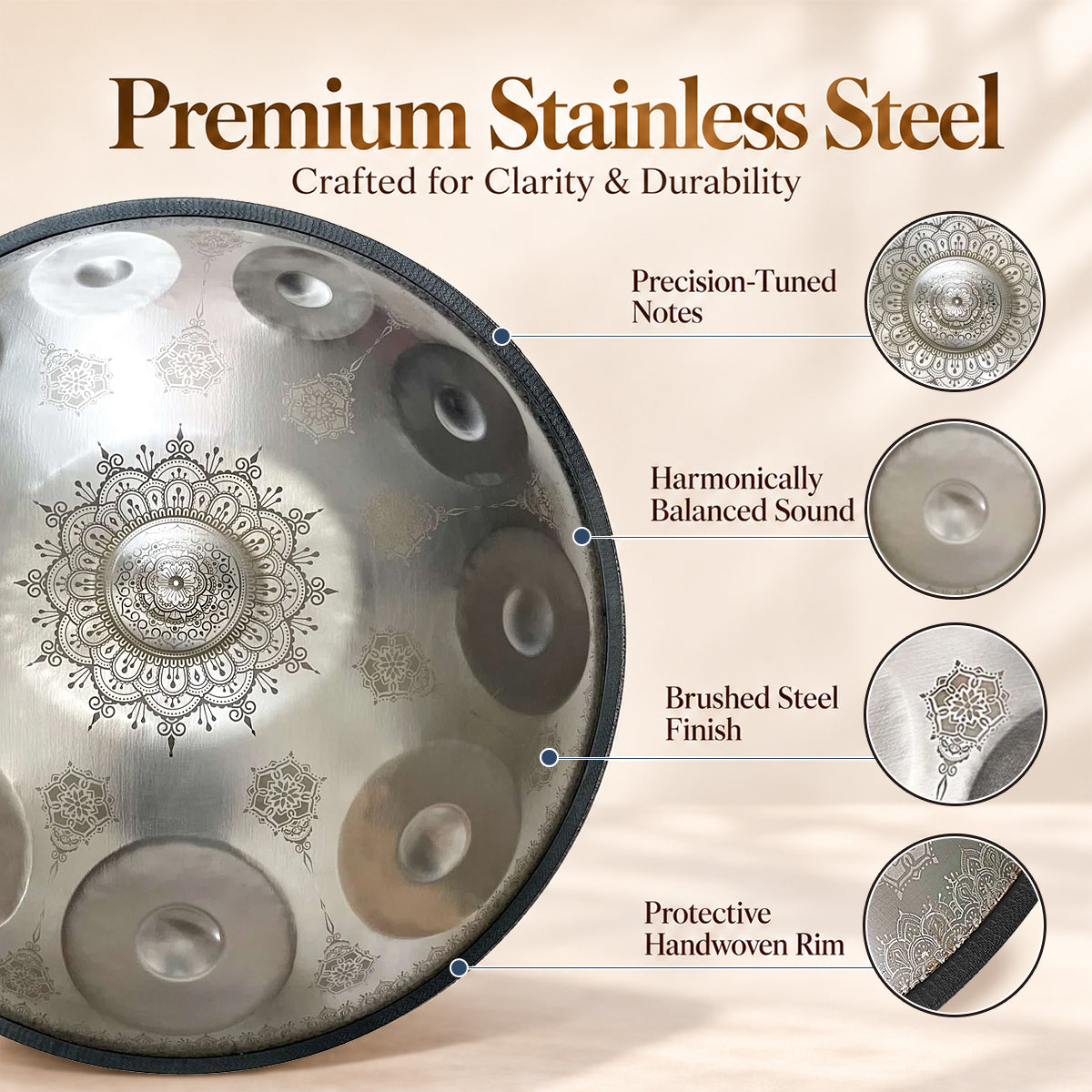
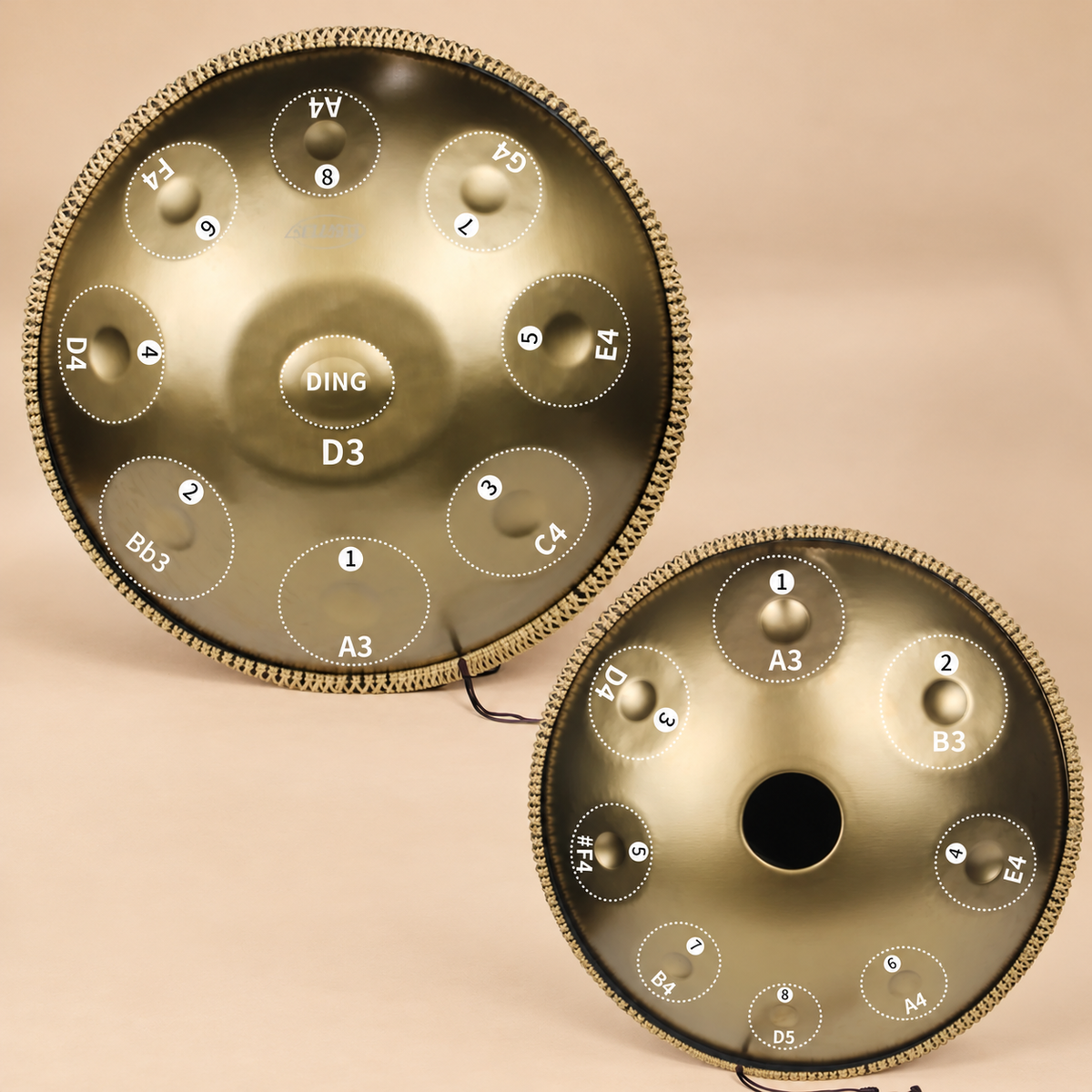
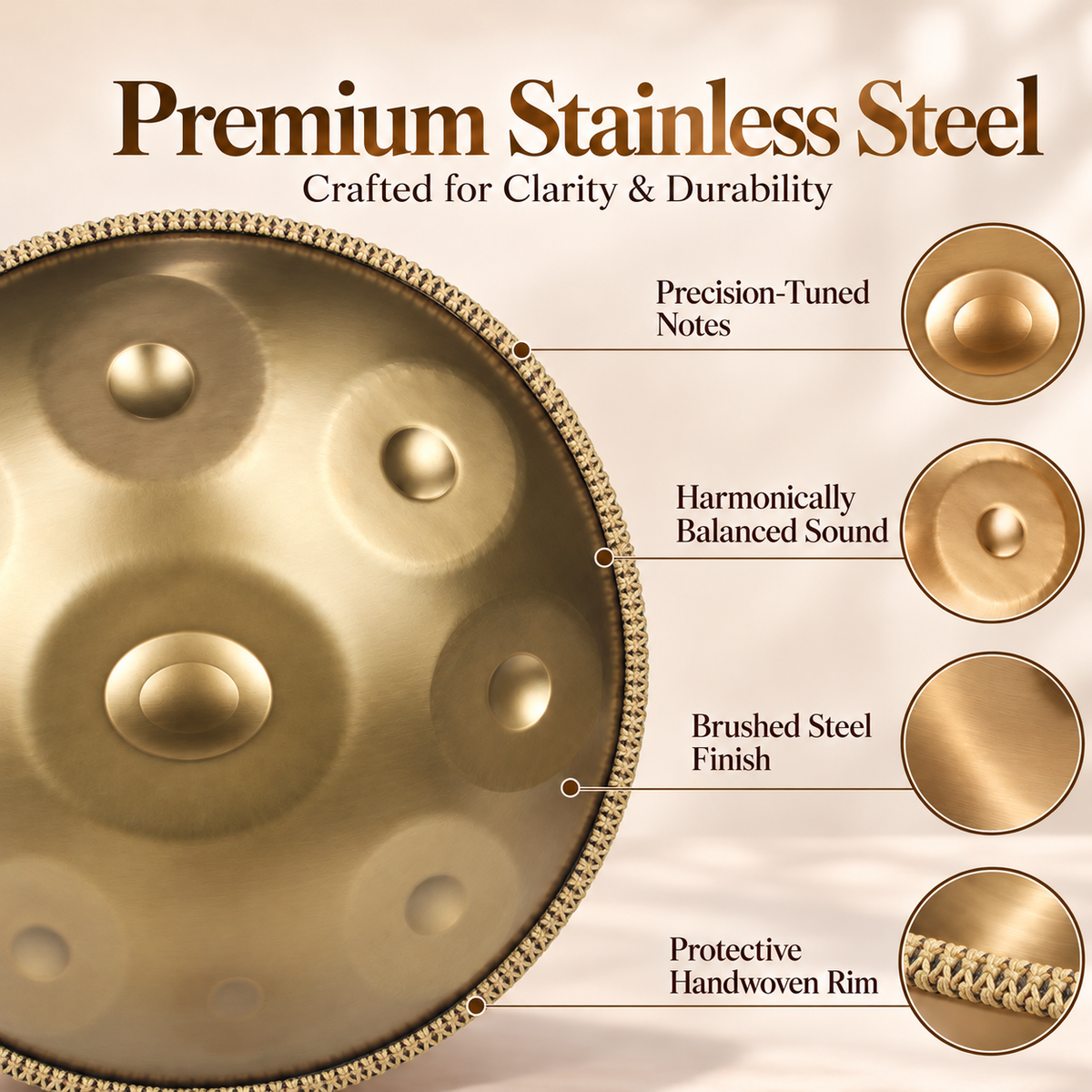
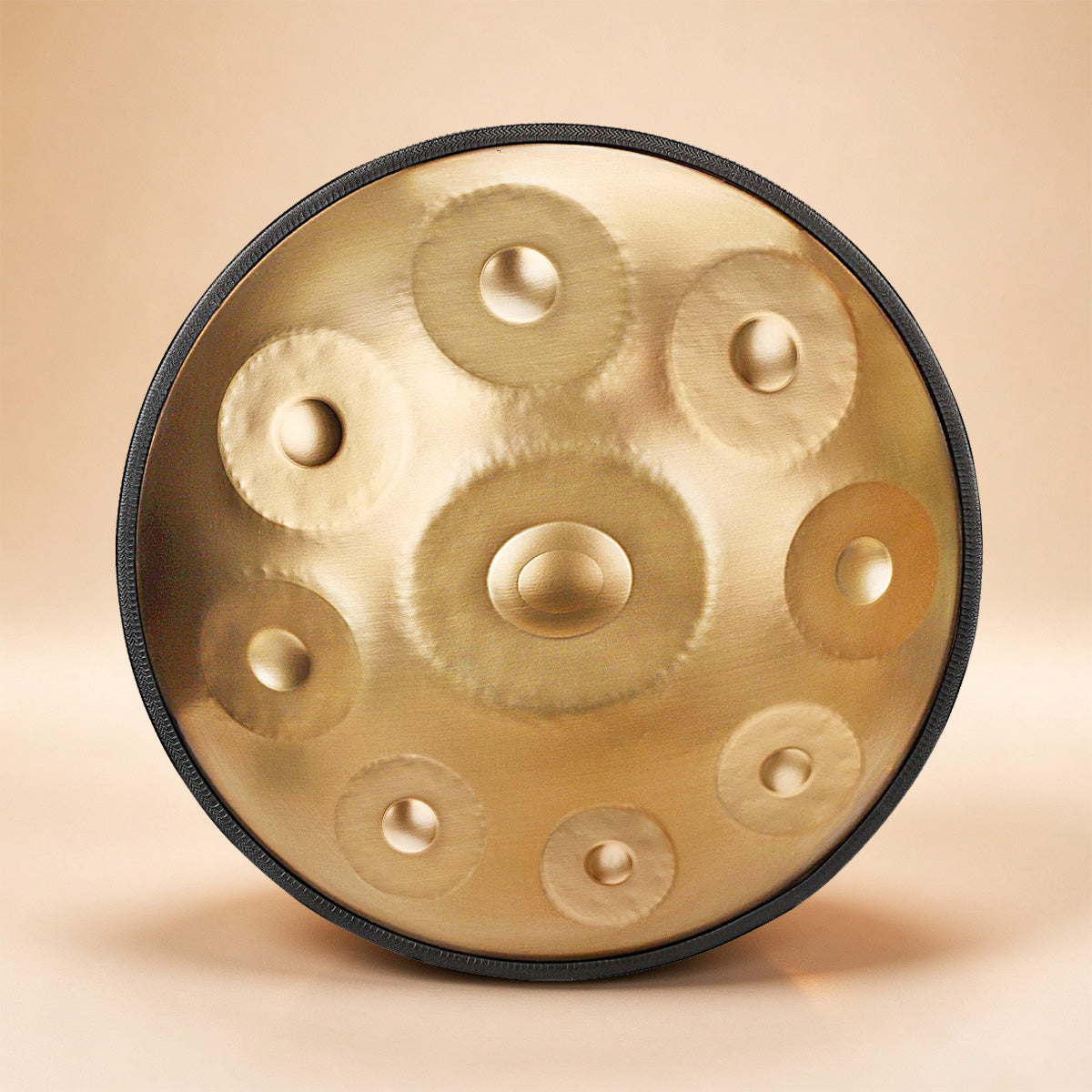
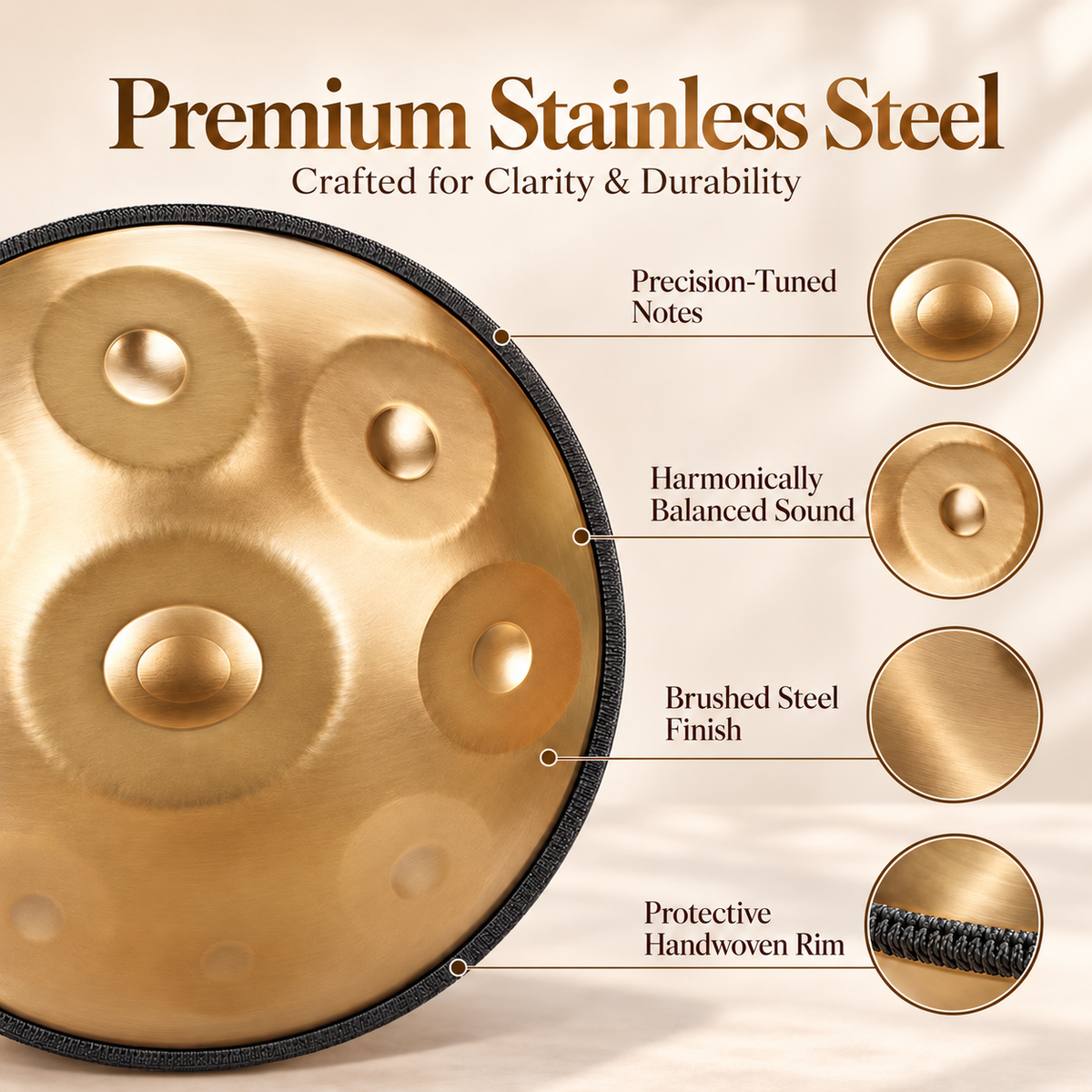
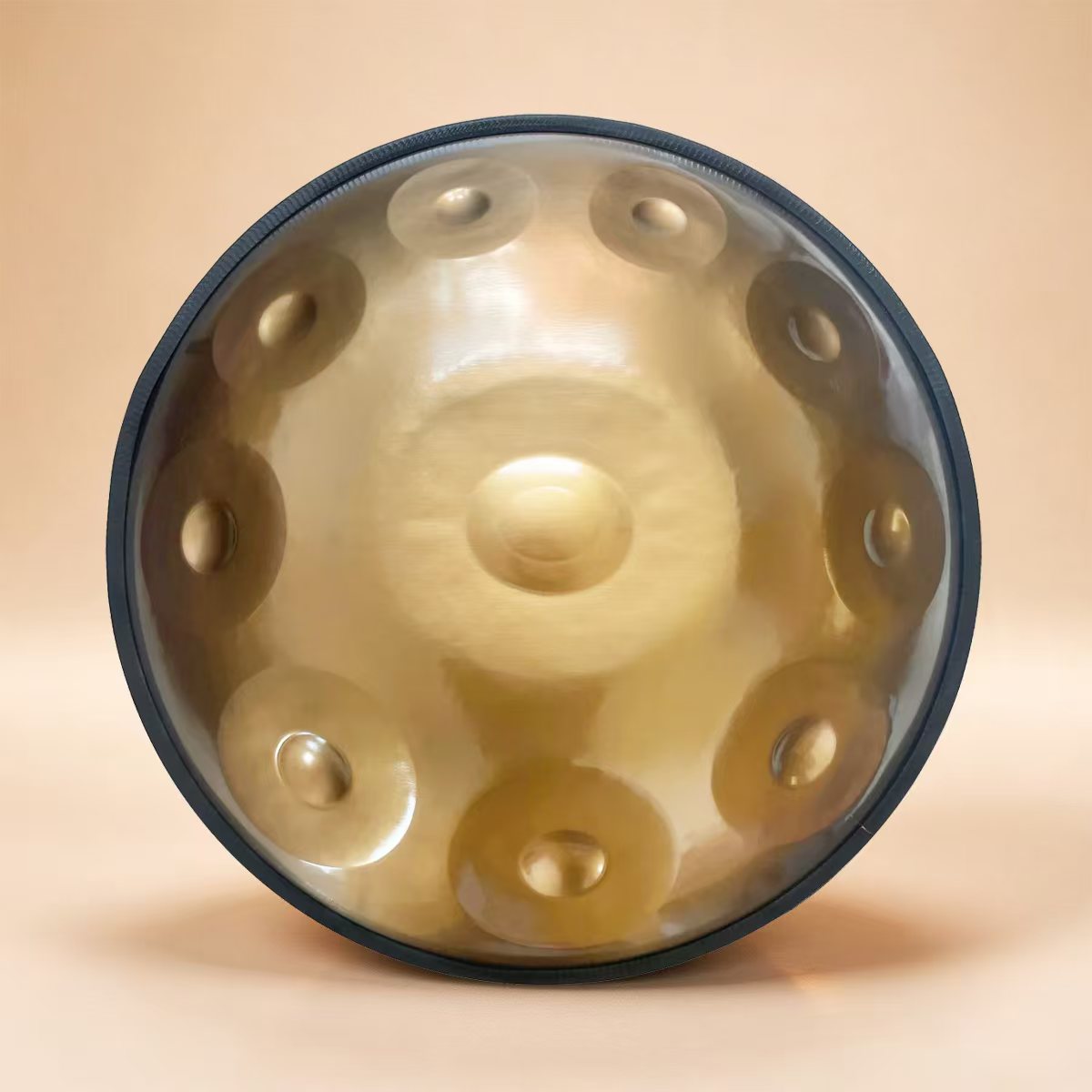
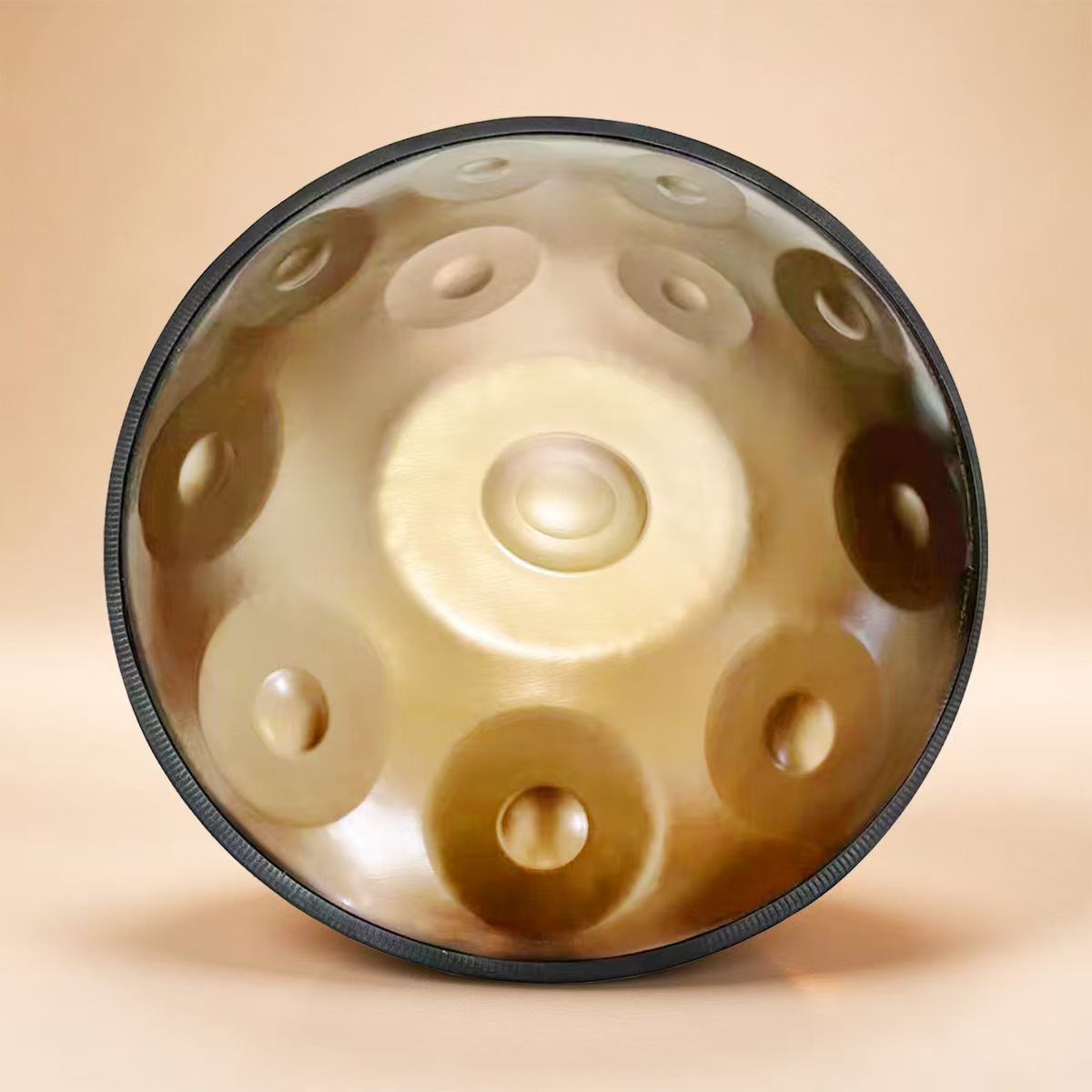
Cosmos Handpan Golden Elegance - 9 Notes D Minor Gift Set
Explore product details
The Golden Elegance 9-note handpan features a D Minor layout designed to make exploratory playing approachable for first-time buyers. It is suitable for beginners, meditation, relaxation, and small performances.
Scale: D Minor, 9 notes
Tuning options: 432Hz or 440Hz
Sound: Clear sustain with a smooth, calming tone
Included accessories: Protective carry bag, handpan stand, pair of mallets, and cleaning cloth.
View Golden Elegance HandpanWhy consider a 9-note D Minor handpan?
A 9-note layout gives beginners a focused set of notes to explore without overwhelming them with too many options. D Minor is a practical choice for improvisation and reflective melodies. The included carry bag and stand also make it easier to store and position the instrument, while the cleaning cloth supports routine care.
The 432Hz and 440Hz options should be chosen according to your intended musical use and the instruments or recordings you plan to play alongside. Neither tuning reference should be treated as a universal guarantee of better sound or therapeutic effect. Consistency matters most when playing with other instruments.
Our recommendation: If a virtual simulator has convinced you that you enjoy the handpan's musical style, a physical 9-note instrument can be a sensible next step. If you are still unsure whether you will practice regularly, continue exploring with free digital tools before making the purchase.
12. Expert Recommendation: The Best Way to Move from Virtual to Real Handpan
We recommend a three-stage approach rather than buying expensive digital equipment immediately.
Stage 1: Explore for free
Use a browser-based virtual handpan simulator to learn the basic note layout and test simple melodies. Spend enough time to understand whether you enjoy the instrument's sound and style. Do not worry about advanced music theory at this stage.
Stage 2: Build a repeatable practice routine
Move to a structured learning app or guided tutorial. Practice short note sequences, rhythm, and musical phrasing. If you are producing music rather than learning acoustic technique, consider a MIDI handpan sample instrument instead.
Stage 3: Buy a physical instrument when you are ready
When you want to develop touch, dynamics, and acoustic expression, a real handpan becomes essential. Choose a suitable scale, check tuning options, and buy from a supplier that provides clear product specifications and support.
For a more complete introduction, read the handpan for beginners guide. If you are interested in the instrument's role in relaxation and listening routines, our article on how handpan music affects the brain provides additional context.
13. Frequently Asked Questions About Virtual Handpan Simulators
1. Are virtual handpan simulators free?
Many browser-based simulators can be used for free, although their features and sound quality vary. Some learning apps and MIDI sample libraries offer free versions alongside paid upgrades. Check the current terms before installing or subscribing.
2. Can I play a handpan online without downloading anything?
Yes. Browser-based virtual handpan tools can run directly on a compatible website. You may be able to click or tap the displayed notes or use mapped keyboard keys. Functionality depends on the specific simulator and your browser.
3. Can a virtual handpan simulator teach me to play a real handpan?
It can help you understand note layouts, scales, and simple musical patterns. However, it cannot fully teach physical striking technique, touch control, or acoustic dynamics. Use it as a learning aid and practice on a real instrument when possible.
4. Do virtual handpan simulators work on mobile phones?
Some browser-based tools and learning apps support mobile devices. A touchscreen can make note selection convenient, but small display areas may make complex layouts difficult to use. Check mobile compatibility before choosing a tool.
5. What is the best virtual handpan simulator for beginners?
For most beginners, a simple browser-based simulator is the best starting point because it offers quick access and requires little setup. If you want guided lessons, choose a learning app with clear note labels and progressive exercises.
6. Can I use a MIDI keyboard to play virtual handpan sounds?
Yes, if the handpan sample instrument and music software support MIDI input. You can map notes to keyboard keys or a MIDI controller and record the output. Check the instrument's note mapping and software compatibility.
7. Do virtual handpans sound like real handpans?
Good sample libraries can reproduce recognizable handpan tones, but the result depends on recording quality, sample variation, playback equipment, and software. A virtual instrument does not fully reproduce the acoustic resonance and physical response of a real handpan.
8. What is the difference between a virtual handpan and a digital handpan?
A virtual handpan usually refers to software that plays handpan sounds through a computer or mobile device. A digital handpan may include dedicated hardware, touch-sensitive controls, or a specialized electronic interface. Both differ from an acoustic steel handpan.
9. Should I buy a handpan after using an online simulator?
Buy one when you know you enjoy the instrument and are ready to practice. A simulator can help you explore musical ideas, but it cannot tell you how a particular physical handpan feels or sounds in person. Check scale, tuning, build quality, and seller support before purchasing.
10. Is 432Hz better than 440Hz for handpan music?
Neither tuning reference is universally better. The practical choice depends on the instruments you play with and the recordings you want to match. If you plan to perform with other musicians, coordinate tuning references before buying.
11. Are virtual handpan simulators useful for meditation music?
They can help create drafts, experiment with melodies, and produce digital tracks. For live acoustic sessions, a physical handpan may offer a more natural room-filling sound. The right choice depends on whether you are composing, recording, or performing live.
12. How many notes should a beginner handpan have?
A 9-note handpan can be a manageable starting point for beginners because it offers a focused layout for exploring melodies. More notes provide additional possibilities but are not automatically easier or better. Choose based on the scale, sound, and music you want to play.
References
- NAMM – National Association of Music Merchants. Industry resources on musical instruments, music technology, and the wider musical products sector.
- MIDI Association – MIDI Specifications. Technical reference for MIDI communication and compatible digital music workflows.
- Sound On Sound. Music production publication covering recording, sampling, digital instruments, and audio technology.